
Moz Local Review: Pricing, Features, Limits & Who It’s For
Keeping your business name, address, phone number and opening hours consistent across dozens of directories is slow, repetitive work. Moz Local is one of several tools built to automate it. This review explains what it does, how it works, what each plan adds, where it falls short, and who may be better served by something else.
A note on method: this is a research-based review. SEORAF did not run hands-on tests of Moz Local for this article, so nothing here describes personal results or customer outcomes. Where a claim comes from Moz, a competitor, a review platform or our own reading, we say so.
Written by Mousume Akter, Founder & Editor, SEORAF. Research checked: November 12, 2026.
Affiliate disclosure: Some links to Moz in this article are affiliate links. If you buy through one, SEORAF may earn a commission at no extra cost to you. It does not change our analysis or the limitations we list. Read the full disclosure at the end.
Important availability note: Moz Help Hub documentation identifies the United States, Canada and the United Kingdom as supported markets for Moz Local. If your business is based elsewhere, including Bangladesh, do not assume the service is available for your location. Confirm eligibility and directory coverage with Moz before purchasing.
Is Moz Local Worth It? The Short Verdict
Moz Local is worth a closer look if your main problem is inconsistent or duplicated business listings and you want one dashboard to manage them. It is a weaker fit if you need a full local SEO suite, or if your real weak spots are your Google Business Profile, your reviews or your website.
Moz Local may suit you if…
- You manage one or more eligible business locations and want to reduce repetitive listing updates. Confirm address and service-area eligibility first.
- You manage listings for clients and need agency-style permissions and reporting (check which plan includes them).
- You want listing management alongside review monitoring, review responses and local visibility reporting, subject to plan availability.
- You prefer a tool with published per-location prices over a quote-only platform.
It may not suit you if…
- Your listings are already accurate and rarely change.
- You need one tool for site audits, backlinks and keyword research. Moz Local is a separate product from Moz Pro.
- Your business is outside the United States, Canada or the United Kingdom, the markets identified in Moz Help Hub documentation.
- You expect listing management alone to lift your rankings. Consistent citations are one input, not a guarantee.
What to confirm before you buy
Check three things on Moz’s own site: current plan terms and add-on costs, how many locations you need to cover, and whether your country and business type are supported.
What Is Moz Local? (And What It Isn’t)
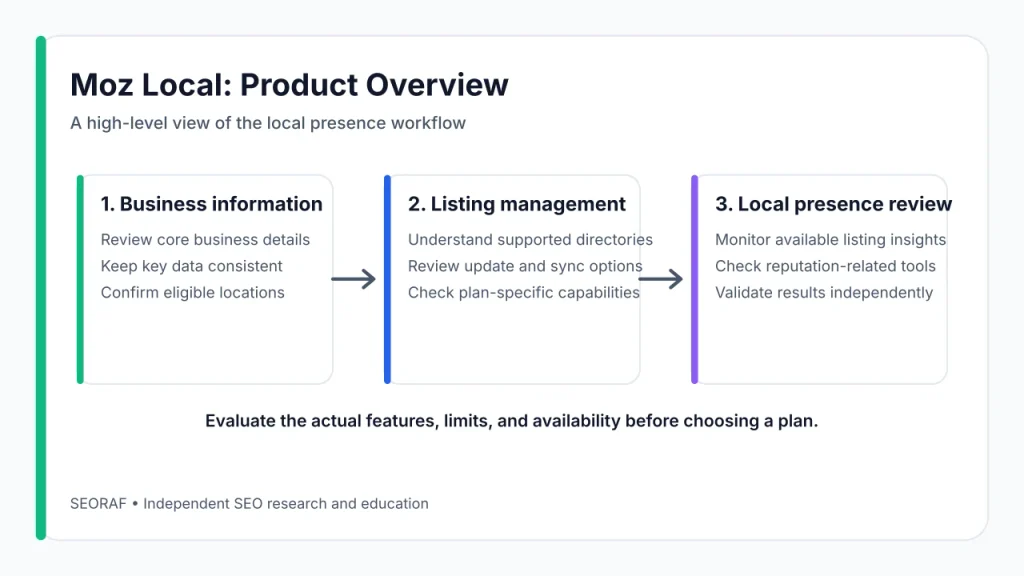
Moz Local is a local listings management product from Moz, the SEO software company. Descriptions of the product agree on the core idea: you enter your business details once, the tool distributes them to search engines, social platforms, directories and data aggregators, and then it monitors those listings for problems.
How we label sources in this article: “Moz says” means a vendor claim. “Reviewers report” means user-submitted reviews. “Independent sources” means editorial reviews and guides not written by Moz. “Our read” is SEORAF’s interpretation.
Moz Local vs. Moz Pro
Moz Local is not Moz Pro. Moz Pro is the broader SEO toolkit (keyword research, rank tracking, site audits, link analysis) and is priced separately. Moz Local focuses on listings, reviews and local visibility. At least one major review platform even lists Moz Local reviews under a Moz Pro web address, which adds to the confusion.
If you are weighing the broader toolkit, see our Moz Pro pricing guide. If you are comparing Moz’s suite with other platforms, our WebCEO vs Moz comparison may help.
What Moz Local covers, and what it doesn’t
Think of Moz Local as the “make sure the basics are right everywhere” layer. It does not replace a Google Business Profile strategy, on-page local SEO or a content plan. One independent review makes the same point: clean citations will not fix a thin profile, stale reviews or a site without service pages.Described Moz Local scopeListings distribution and syncDuplicate detectionReview monitoring (responding by plan)Local Grid and local rankings: verify planGoogle Business Profile insightsUsually handled elsewhereSite audits and on-page SEOBacklink and link analysisKeyword researchGoogle Business Profile strategyWebsite and service-page contentMoz Local’s described scope compared with work that typically sits in other tools or processes. Based on third-party product descriptions; confirm against Moz.
How Moz Local Works
The process has three stages: distribute your data, monitor what happens, and correct problems.
Distribution: direct partners and data aggregators
Some destinations connect to Moz Local directly, while others receive business data through data aggregators that supply information to directories and apps. The exact publisher and integration network can change and may vary by country, business category and location. Check Moz’s current directory list for your market rather than assuming every named platform or directory is available.
Why this matters in practice: suppose you change your opening hours in the dashboard. Directly connected destinations and aggregator-fed ones will not necessarily reflect that change at the same time, because timing varies by destination.Your business details(name, address, phone,hours, categories)Moz LocaldashboardDirect partners(publisher availabilityvaries by market)Data aggregatorsfeed smaller directoriesand apps downstreamMonitoring flags missing, inconsistent or duplicate listingsSimplified flow of listing data through Moz Local. Original SEORAF diagram based on third-party descriptions; confirm partner details with Moz.
Monitoring and duplicate detection
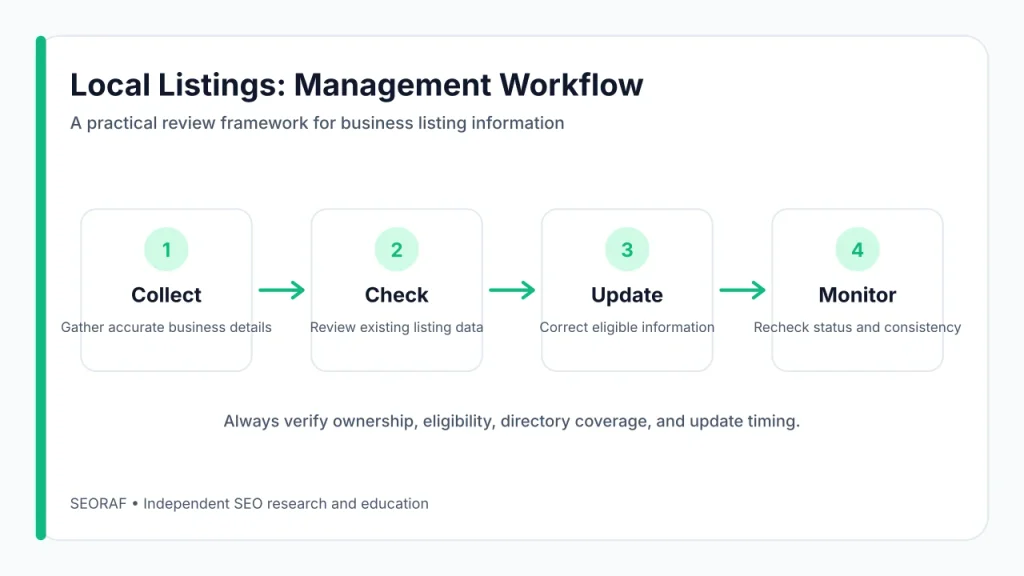
After distribution, Moz Local monitors your listings and flags ones that are missing, inconsistent or possibly duplicated, according to product descriptions. Duplicates matter because they can split reviews and confuse customers who find the wrong version of your business.
Moz describes duplicate detection and suppression capabilities, but suppression is not guaranteed across every publisher or every duplicate record. Old information can reappear if another source continues distributing it, so check important listings after cleanup and treat duplicate management as ongoing.
What directory network claims do and do not mean
Moz describes a broad publisher network for distributing business information. The number of destinations that apply to an individual business is not necessarily the same as the headline network count: eligibility can depend on country, category, location and publisher requirements. Treat network-size figures as vendor-reported reach, not a promise of a live listing on every destination.
Moz Help Hub documentation identifies the United States, Canada and the United Kingdom as supported markets. Do not infer availability in other countries from older directory-count claims or third-party articles.
How long updates take
We could not find a single, authoritative timeline in the sources we reviewed, and we will not invent one. Each publisher refreshes data on its own schedule, and ranking changes are a separate matter from listing updates. Check Moz’s help documentation for current guidance, then verify changes directly on your most important listings after submitting updates.
Moz Local Features That Matter
Feature lists get long, so here is what each capability does for the job you are likely hiring the tool to do. Plan availability changes, and we flag where to confirm it.
Keeping listings accurate: name, address, phone, hours and categories
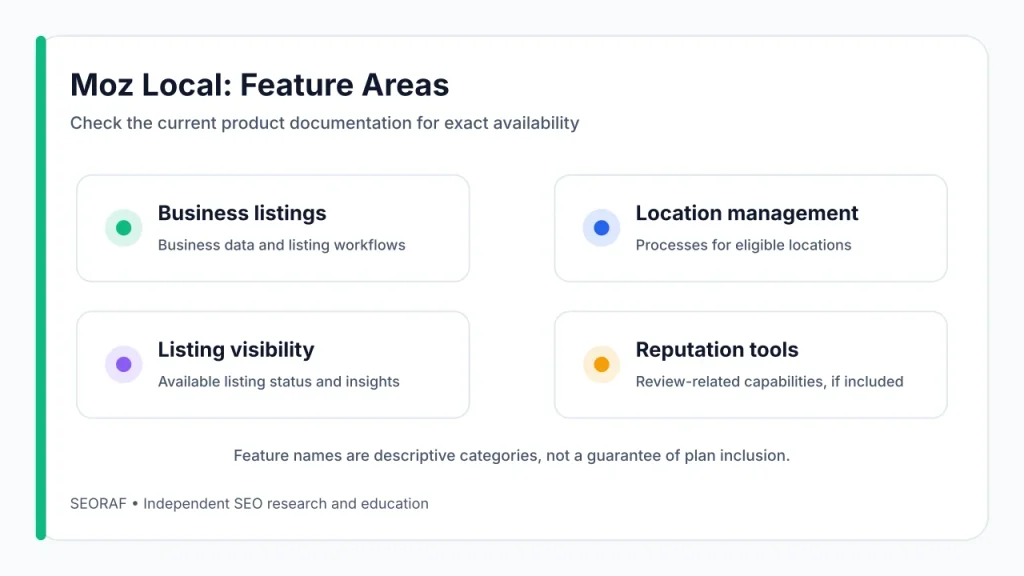
This is the core job. You maintain your business details (plus photos and categories) in one place instead of editing each directory by hand.
A hypothetical illustration, not a customer result: a clinic with two locations moves one of them to new premises. Instead of logging into each directory, the team updates the address once in the dashboard, then checks which listings have picked up the change.
Categories deserve care. Publisher directories may use different category systems, so a category selected in one dashboard may not map identically everywhere. Review the category choices and resulting live listings rather than assuming every publisher supports the same options.
Google Business Profile insights and Q&A
Moz describes an Insights view that connects to your Google Business Profile to show how customers find and engage with your business, and third-party plan descriptions list owner Google Q&A among the included features.
Moz Local includes Google Business Profile-related functionality, but the exact fields and actions available through its dashboard may differ from direct Google Business Profile management. Google controls profile ownership and verification. Keep direct access to your Google Business Profile and check Moz’s current documentation for the supported actions before relying on a third-party dashboard.
Local rank tracking: Local Grid and Rankings
Moz Help Hub documentation refers to Local Grid and Rankings features. These tools are intended to help assess local visibility across geographic areas; the exact feature names, limits and plan access can change. Check the current Moz Local plan comparison before purchasing, and do not treat a ranking report as proof that the tool caused a ranking change.
Practical use: compare visibility across relevant neighborhoods over time. Remember that a rank report shows observed positions, not the cause of any change.
Review monitoring, responding and sentiment
Moz Help Hub materials describe review monitoring and management, including review responses and sentiment or trend analysis. The availability and limits of specific response, AI and platform features depend on the current plan and any add-ons. Check the live plan comparison before assigning a capability to a tier.
Reviewers report mixed experiences. One Software Advice reviewer says sentiment recognition can struggle outside English. That is a single anecdote, but it is worth testing if you serve non-English-speaking customers.
Listings AI
Moz describes Listings AI as an AI-assisted listing feature. Its exact functionality, usage limits and inclusion by plan can change. Review the current product description and plan terms, and assess whether the feature solves a real workflow need before paying extra.
Social posting, reporting, agency permissions and API
Moz materials describe social publishing and reporting capabilities, while plan access and supported networks may vary. Agencies should confirm user permissions, client access, reporting exports and any API availability or fees directly with Moz before selecting a plan.
Does Moz Local Improve Local SEO? What It Can and Can’t Prove
Consistent listings support local SEO, but no listing tool can promise rankings. Google’s own documentation describes local ranking as depending on relevance, distance and prominence, and your Google Business Profile, reviews and website all play a part.
Citations vs. rankings
Accurate citations help search engines and customers trust your business details. They are a foundation, not a lever. If your listings were already clean, paying for a listings tool may change little.
Measure three layers separately
LayerWhat to checkWhat it does not prove1. Listing accuracyCorrect details on thelive listing pagesThat rankings improved2. Local visibilityComparable ranking reportsover timeThat listings caused the change3. Business outcomesCalls, direction requests,bookingsThat each lead camefrom the toolA measurement framework for judging whether a listings tool is earning its cost. Original SEORAF diagram.
A realistic review schedule
Check listing status during the first few weeks, then review visibility and customer actions over the following couple of months. Compare like with like, and avoid crediting the tool for changes that may have other causes.
Moz Local Plans at a Glance
This section is a planning snapshot, not a confirmed live quote. For deeper modeling, see our Moz Local pricing guide. The amounts below were reported by third-party pricing trackers and have not been independently confirmed against a live checkout. Confirm the current price, billing term, taxes, add-ons and per-location terms directly with Moz before buying. Moz states that subscriptions renew automatically unless renewal is stopped; review the renewal date and cancellation instructions in your account before checkout.
What each plan adds
| Plan | Monthly (per location) | Annual (per location) | Reported inclusions; verify current plan |
|---|---|---|---|
| Lite | $20 | $199 | Listings distribution, review monitoring, data health analytics, Google Q&A |
| Preferred | $30 | $299 | Lite, plus review responding, sentiment analysis, Google and Facebook posting, competitor analysis, agency permissions |
| Elite | $40 | $399 | Preferred, plus Listings AI included, advanced social posting, extended reporting |
| Enterprise | Custom quote | Sources reference larger accounts (around 50+ locations) | |
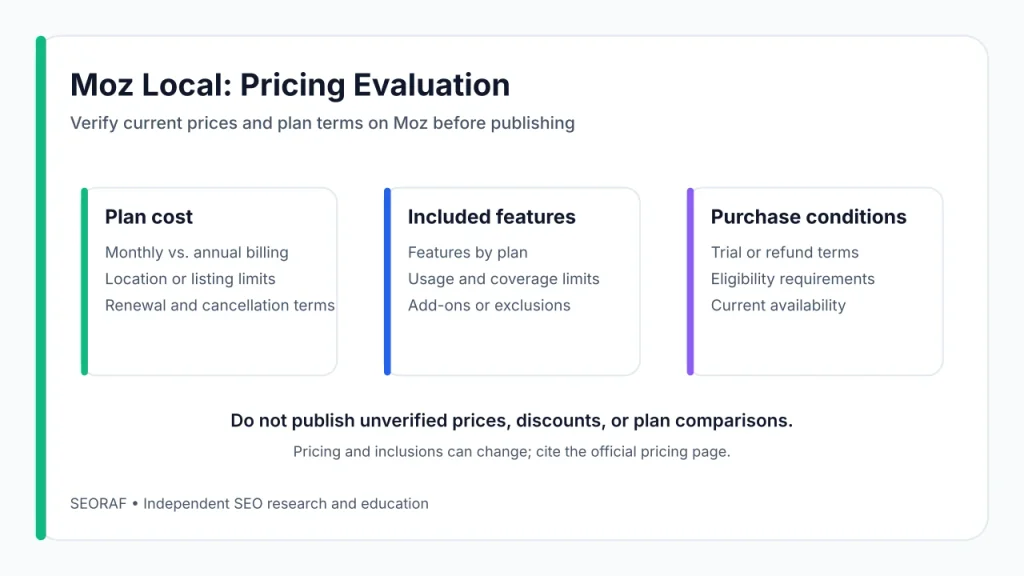
US dollars. Indicative third-party-reported figures reviewed November 12, 2026; not confirmed live by SEORAF. Treat them as estimates only and verify the current price and inclusions with Moz before purchase.
Per-location billing and add-ons: what to calculate
Moz Help Hub states that a subscription is required for each business location. Third-party pricing references list Listings AI at $14 per month or $119 per year, and Reviews AI at $10 per month or $69 per year; those add-on amounts and their current billing terms have not been confirmed live by SEORAF. Moz materials have described Listings AI as included with Elite, but verify current inclusion and add-on eligibility before calculating your total.
The formula: total = (plan price × locations) + (add-ons × locations). Here is an annual, single-location illustration using the figures above:
| Setup (annual, one location) | Illustrative total |
|---|---|
| Preferred | $299 |
| Preferred + Listings AI | $418 |
| Elite (Listings AI included) | $399 |
| Preferred + both add-ons | $487 |
| Elite + Reviews AI | $468 |
Illustrative arithmetic using the third-party-reported figures above; not a current quote. Recalculate using Moz’s live checkout prices and confirmed add-on terms.
The takeaway: if you want Listings AI, compare Elite against a lower plan plus the add-on instead of assuming the cheaper plan costs less.
Free trial or free plan?
Free tools, checks or trial offers may change over time and can differ by market. Check Moz’s current website and checkout flow for an offer that applies to your country and business before assuming a free trial or free plan is available.
Enterprise and multi-location accounts
Larger or complex accounts may require a custom conversation with Moz. If you manage many locations, ask about volume terms, onboarding, account permissions and any minimum commitment instead of multiplying self-serve list prices.
Check Moz Local’s current pricing
Moz Local Strengths and Limitations
Where it holds up
- Focused scope. Independent reviewers describe it as a straightforward listings tool without the complexity of a full local SEO suite.
- Published per-location pricing. Third-party sources list self-serve prices, which makes budgeting easier than quote-only platforms.
- Monitoring and duplicate detection. Both Moz and independent sources describe ongoing checks for missing, inconsistent and duplicate listings.
- User feedback is mixed. Review platforms contain both positive and critical experiences. Ratings and review counts change, so check the live review pages and read recent reviews relevant to your business size and country.
Where it falls short or needs caution
- Narrower than all-in-one local suites. Independent reviews say it covers listings but may need other tools for auditing and competitive analysis. BrightLocal makes a similar point on its comparison page, but that page is written by a competitor, so weigh it accordingly.
- Costs scale per location and with add-ons. See the calculation above.
- Coverage claims need context. The directory count describes network reach, not guaranteed listings for your business.
- Mixed user experiences. Alongside positive reviews, G2 includes critical ones. One reviewer says directory-submission service declined after years of use, and another says it no longer solves their listing problems. These are individual anecdotes, not a trend, but they show experiences vary.
- Service-area and language considerations. Moz Help Hub says a service-area business can hide its street address in supported cases, but this can affect which directories receive listing data. Review sentiment analysis may also need human review, especially across languages.
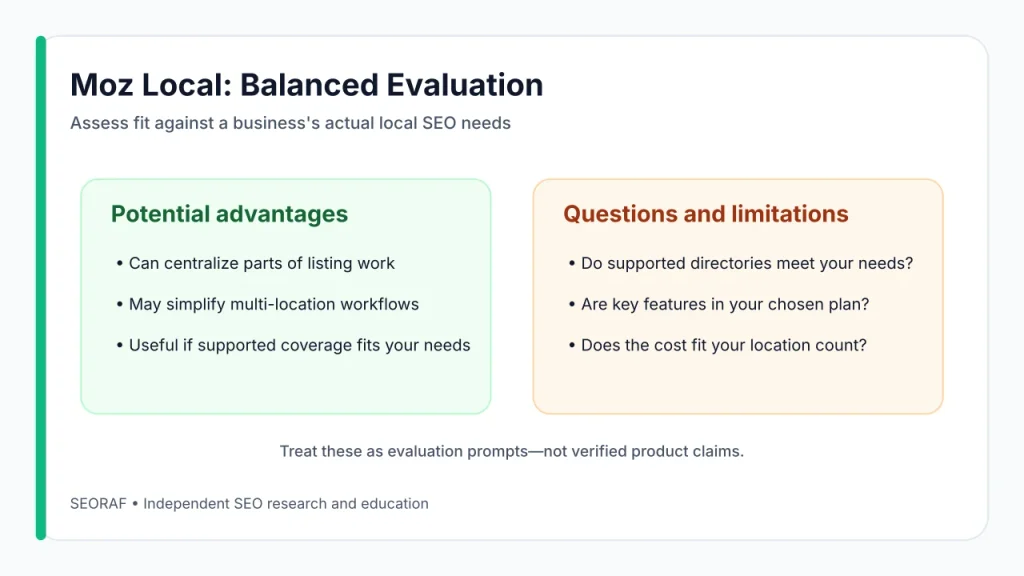
What we couldn’t confirm
- Official sync timelines for each destination
- Exactly how much of a Google Business Profile can be edited from Moz Local
- Current plan limits for Local Grid, Rankings and Listings AI
- Any expansion of supported-country coverage beyond the United States, Canada and the United Kingdom
- Current trial or free-checker offers and the exact renewal / cancellation terms that apply at checkout
Who Should Use Moz Local, and Who Should Skip It
Do you need listings managedacross many directories in one place?Are your locations real addresses ina supported country? (verify)Do you also need audits, backlinksor keyword research in one tool?No: Moz Local may bemore than you needNo or unsure: check Moz’scoverage before payingYes: consider pairing it with,or choosing, a broader toolMoz Local may fit: verify plan,location count and costYesNoYesNo / unsureNoYesA quick fit check. Original SEORAF diagram; a starting point for your own evaluation, not a verdict.
| Scenario | Fit | Why | Check first |
|---|---|---|---|
| Single-location small business | May fit | Simple per-location pricing and one dashboard | Whether your listings are already accurate |
| Multi-location business | May fit | Centralized updates across locations | Per-location cost and add-ons at your location count |
| Agency managing clients | May fit | Agency permissions are described at higher tiers | Plan gating and reporting needs |
| Service-area business (no public storefront) | May fit, subject to publisher coverage | Moz documentation allows an address to be hidden in supported cases, but this can limit distribution to some directories | Confirm which publishers support your service-area setup before subscribing |
| Business outside the US, Canada or the UK | Not confirmed | Moz Help Hub identifies these three supported markets | Ask Moz to confirm eligibility before purchase |
| Business whose main issue is a weak Google profile, reviews or site | Probably not first | Listing tools do not fix these problems | Fix the fundamentals before adding tools |
| Team that needs one platform for local plus broader SEO | Consider alternatives | Moz Local is a separate product from Moz Pro | Whether a suite or a pairing fits your budget |
Fit guidance based on third-party descriptions and our reading. Not a guarantee of results.
When Another Local Listing Tool May Fit Better
We do not declare a winner here. The right choice depends on how many locations you manage, your budget, and whether you need rank tracking, audits or review tools beyond listings. This table covers fit only, not prices. For deeper coverage, see our Moz Local alternatives guide and our Moz Local vs BrightLocal comparison.
| Tool | Often described as a fit for | Source caution |
|---|---|---|
| BrightLocal | Teams wanting rank tracking, audits and citation tools in one local-focused platform | BrightLocal’s own comparison pages are written by a competitor |
| Semrush Local | Teams already using Semrush | Described as an add-on to a Semrush subscription; verify current packaging |
| Yext | Larger brands with many locations needing enterprise-scale automation | Pricing reports conflict between sources; check with the vendor |
| Whitespark | Teams that prioritize citation work and want more control over what remains after a subscription ends | Based on editorial reviews; verify |
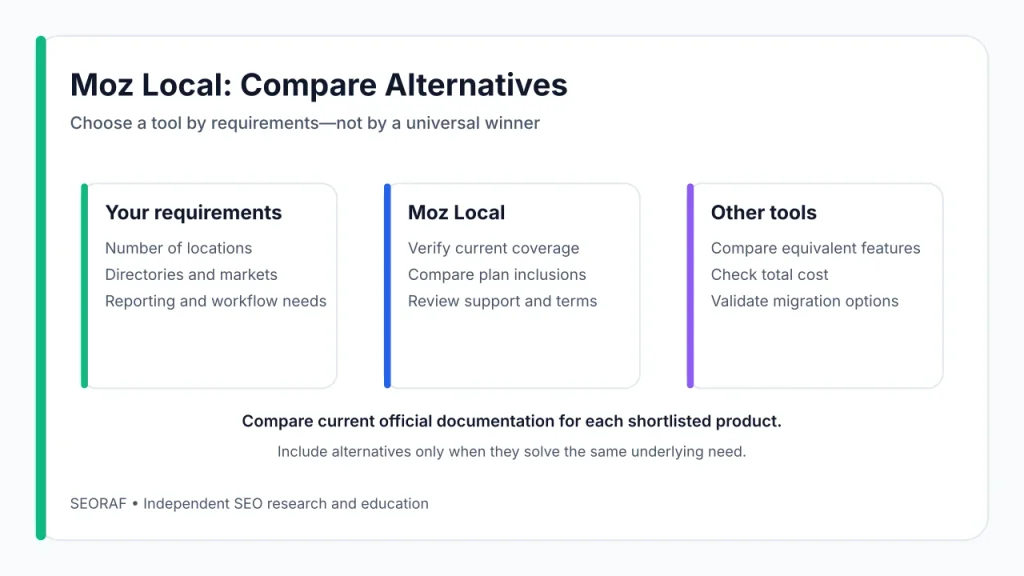
Fit notes drawn from independent and vendor sources. Compare current feature lists yourself before choosing.
A word on vendor comparisons: BrightLocal’s page says Moz Local offers listings and review management alongside limited extras. Moz’s own materials describe local rank tracking, so check each product’s live feature list instead of relying on either side’s summary. If you are already evaluating Semrush for other SEO work, our SE Ranking vs Semrush comparison gives broader platform context.
How to Evaluate Moz Local Before You Pay
Use this short checklist to decide whether a listings tool makes sense for you.
- Audit your current listings. Search your business name, address and phone number, and note wrong, missing or duplicate entries.
- Count your locations and confirm your country. Check Moz’s supported-directory list for your market.
- Estimate the manual workload. How many hours a month do you spend fixing listings?
- Calculate cost. Use the formula above with Moz’s current prices, including any add-ons you would actually use.
- Define success metrics. Choose listing accuracy checks, a visibility report and customer-action counts before you start.
- Schedule a review. Check progress after the first few weeks and again after a couple of months.
More research tools and checklists are collected on our SEORAF resources page.
Moz Local FAQ
Is Moz Local worth it?
It can be if inconsistent or duplicate listings are your main problem and you want one dashboard to manage them. It is less compelling if your listings are already accurate or you need a full local SEO suite. Weigh the per-location cost against the time you currently spend on manual updates.
Does Moz Local improve local rankings?
It can help keep your business details consistent, which supports local SEO, but no tool can guarantee ranking gains. Local results also depend on your Google Business Profile, reviews, relevance, distance and website. Measure listing accuracy, visibility and customer actions separately.
What is the difference between Moz Local and Moz Pro?
Moz Local focuses on listings, reviews and local visibility. Moz Pro is Moz’s broader SEO toolkit for areas such as keyword research, rank tracking and site audits. They are separate products with separate pricing.
Does Moz Local have a free trial or free plan?
Free tools, checks and trial offers can change by market and date. Check Moz’s current website and checkout flow for an offer that applies to your country and business.
Is Moz Local priced per location?
Moz Help Hub states that each business location requires its own subscription. Confirm current add-on billing and any exceptions directly with Moz before calculating a multi-location total.
Does Moz Local include rank tracking?
Moz Help Hub documentation refers to Local Grid and Rankings features. Check the current plan comparison for access and limits, and remember that ranking reports show observed visibility rather than proving what caused a change.
Does Moz Local update my Google Business Profile?
Moz Local includes Google Business Profile-related functionality, but the exact fields and actions available through its dashboard may differ from direct Google Business Profile management. Google controls profile ownership and verification. Keep direct access to your profile and check Moz’s current documentation for supported actions.
How long does it take for Moz Local listings to update?
We found no single authoritative timeline. Each publisher refreshes data on its own schedule, and ranking changes are separate from listing updates. Check Moz’s help documentation, then verify key listings directly.
Can Moz Local remove duplicate listings?
Moz Local describes duplicate detection and suppression capabilities, but suppression is not guaranteed across every publisher or duplicate record. Old information can reappear if another source continues distributing it, so verify important listings after cleanup.
Does Moz Local work outside the US?
Moz Help Hub documentation identifies the United States, Canada and the United Kingdom as supported markets. If your business is elsewhere, confirm eligibility directly with Moz before paying.
Final Verdict
Moz Local looks like a sensible, focused option for businesses and agencies whose main problem is keeping listings accurate across many directories, especially when its publisher coverage matches the business location and category. Service-area businesses should confirm how hiding an address affects directory distribution. It is a less natural fit if you need a full local SEO suite, if your biggest gaps are elsewhere, or if your country is not supported.
Our suggestion: audit your listings first, calculate the per-location cost with current prices, and confirm the points we could not verify before you commit.
Review Moz Local’s plans on Moz
How We Researched This Article and Our Affiliate Disclosure
Method. This article is based on desk research using Moz’s product and Help Hub documentation, third-party review platforms and price trackers, independent reviews and guides, and competitor-authored comparisons. SEORAF did not conduct hands-on testing of Moz Local for this article and does not present personal results or customer testimonials. Vendor claims, reviewer reports and SEORAF interpretation are distinguished where relevant.
Corrections. Prices, plans and features change. Research checked: November 12, 2026. If you spot an error, tell us through our contact page and we will review it.
Affiliate disclosure. SEORAF is an independent SEO education and research resource, not an SEO agency, and does not sell rankings. Links to Moz marked as affiliate links may earn SEORAF a commission if you purchase, at no additional cost to you. Commissions do not change how we describe Moz Local’s strengths and limitations.
Sources consulted
- Moz Help Hub, Moz Local documentation (official): Moz Help Hub
- Google Business Profile Help, improve your local ranking (official): How to improve your local ranking on Google
- Moz Local pricing page (official): moz.com/products/local/pricing
- G2, Moz Local reviews (user reviews; vendor-managed profile): g2.com/products/moz-local/reviews
- Software Advice, Moz Local profile (user reviews): softwareadvice.com
- Tekpon, Moz Local pricing (price tracker): tekpon.com
- SoftwareSuggest, Moz Local (plan descriptions): softwaresuggest.com
- Keepers Digital, Moz Local listing management guide (independent): keepersdigital.com
- Rank Local Today, Moz Local review (independent): ranklocaltoday.com
- Velorank, Moz Local review (independent): velorank.net
- BrightLocal, Moz Local comparison (competitor-authored): brightlocal.com
- DIYAI, Moz Local alternatives (editorial): diyai.io